

Procurement

Consulting

Installation

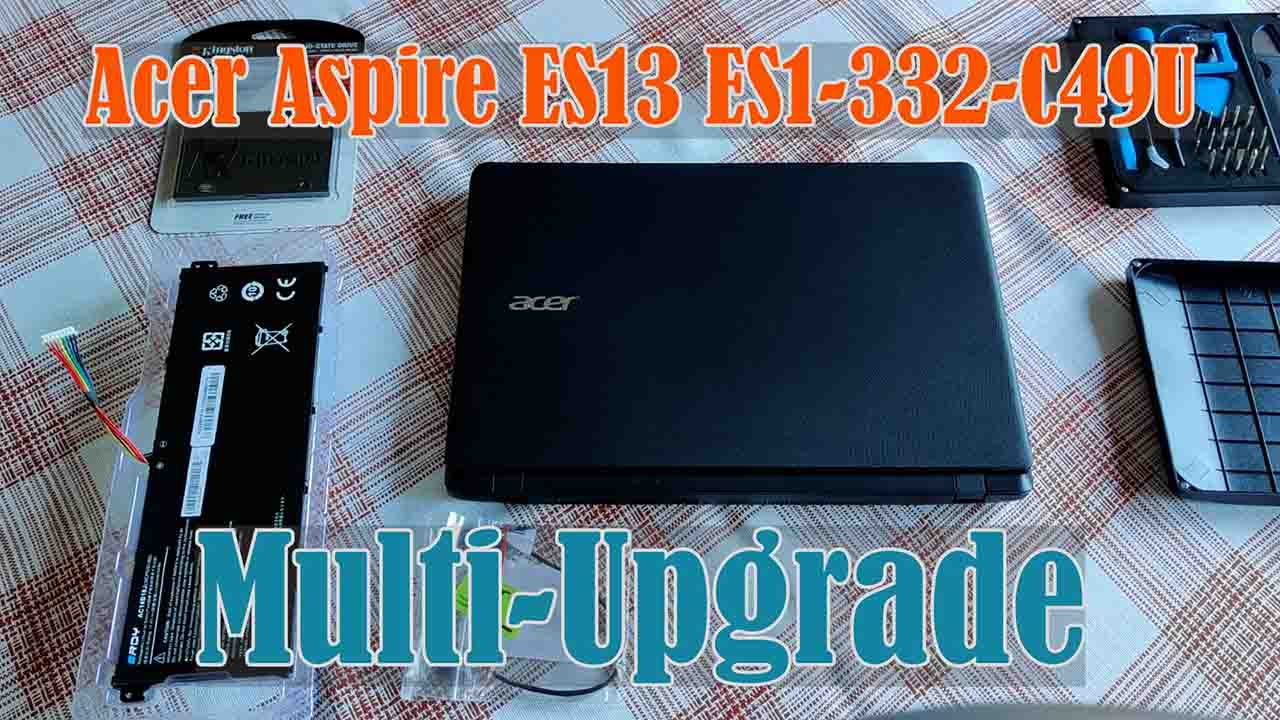
Upgrade

Cleaning

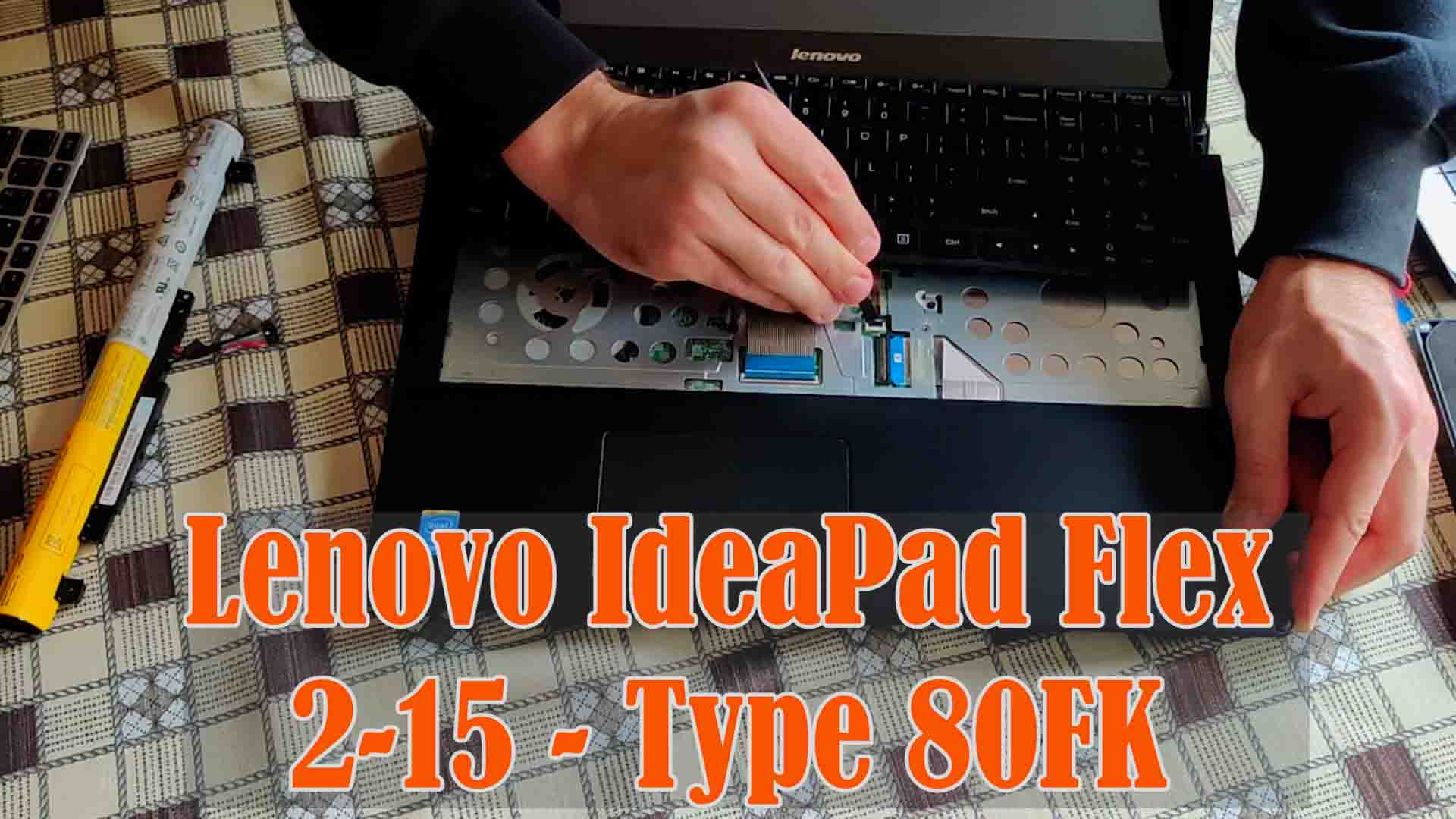
Repair

Do you require proven and reliable laptop repair?

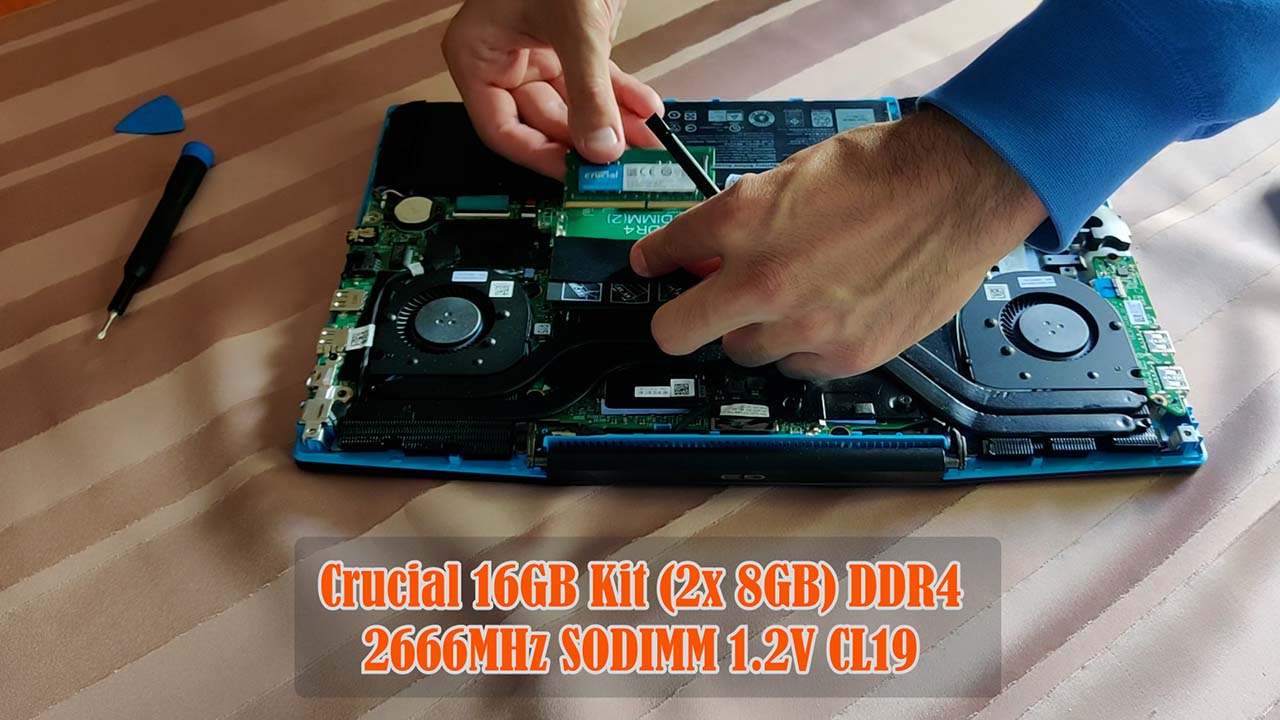
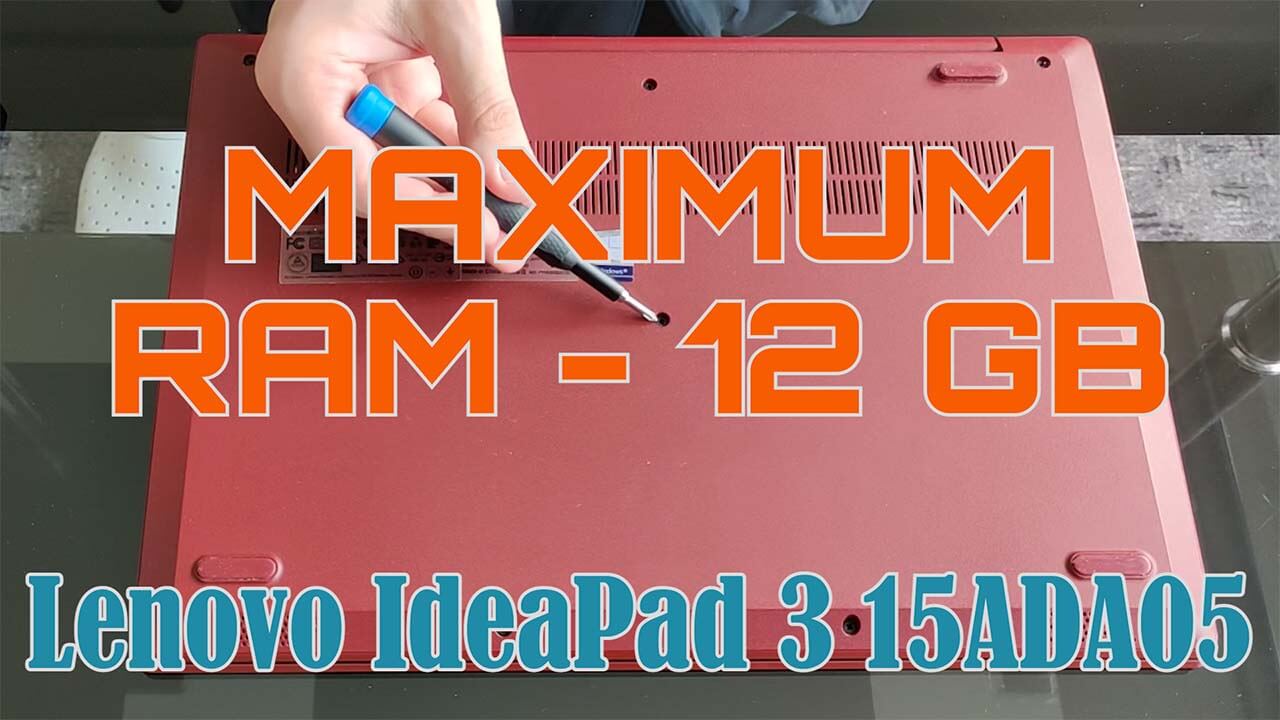
Upgrading working memory (RAM)

Does your laptop have at least 16 gigabytes of RAM? Is dual-channel DDR3/4/5 mode activated? Check easily.
check now

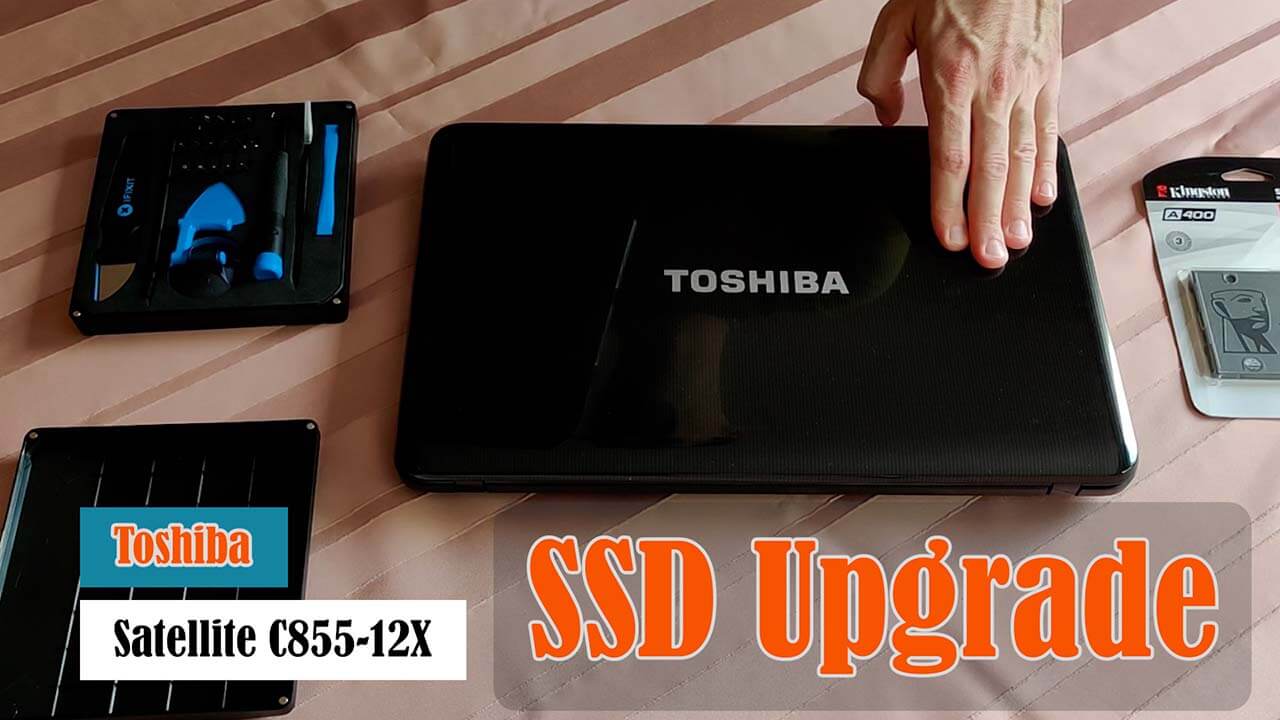
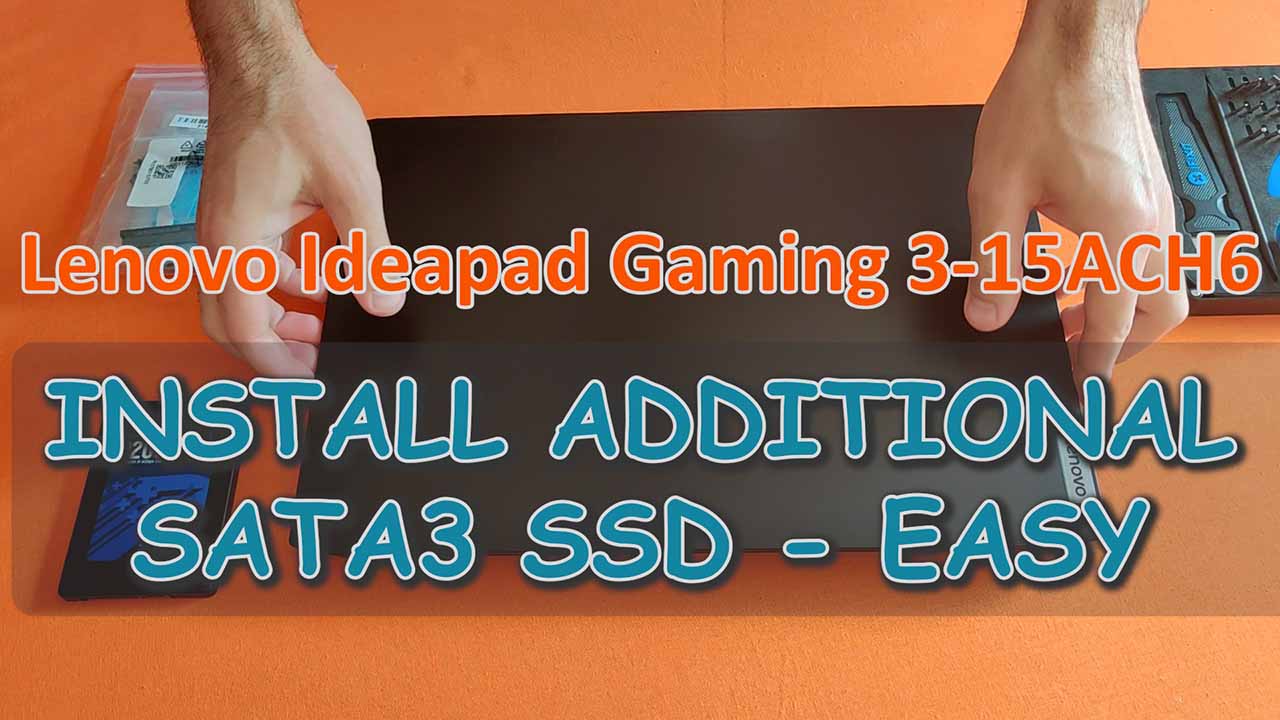
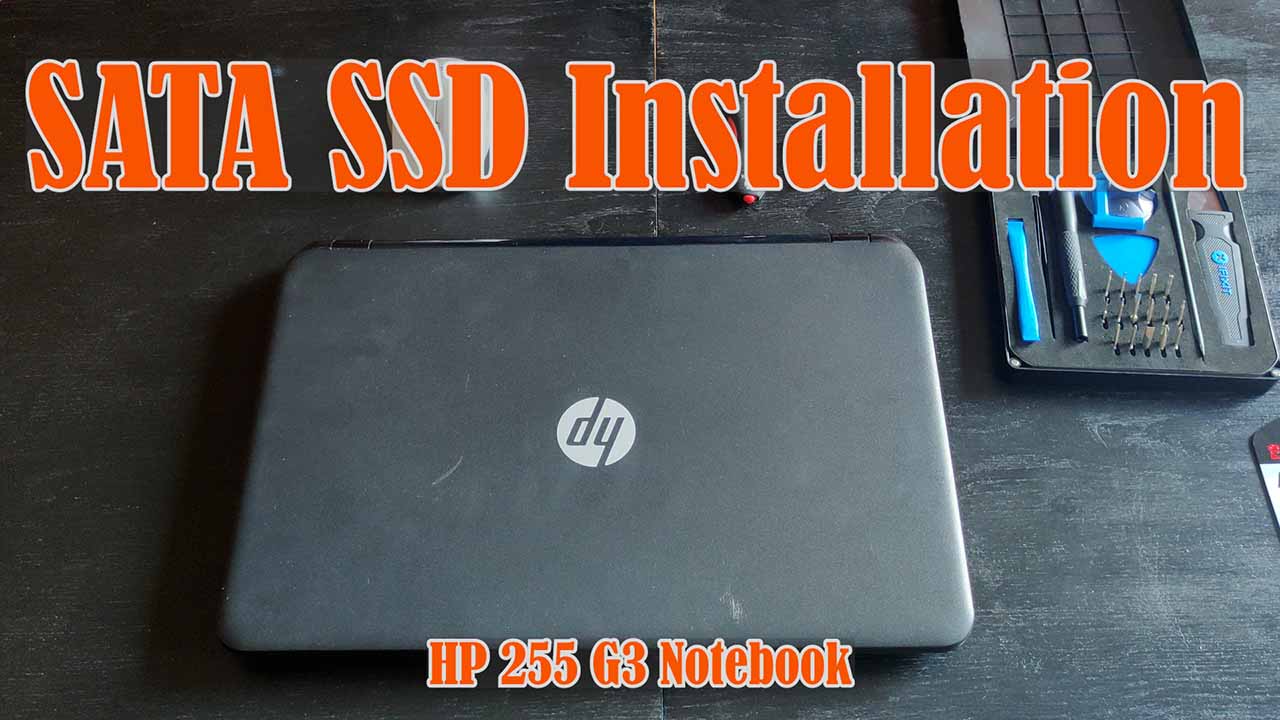
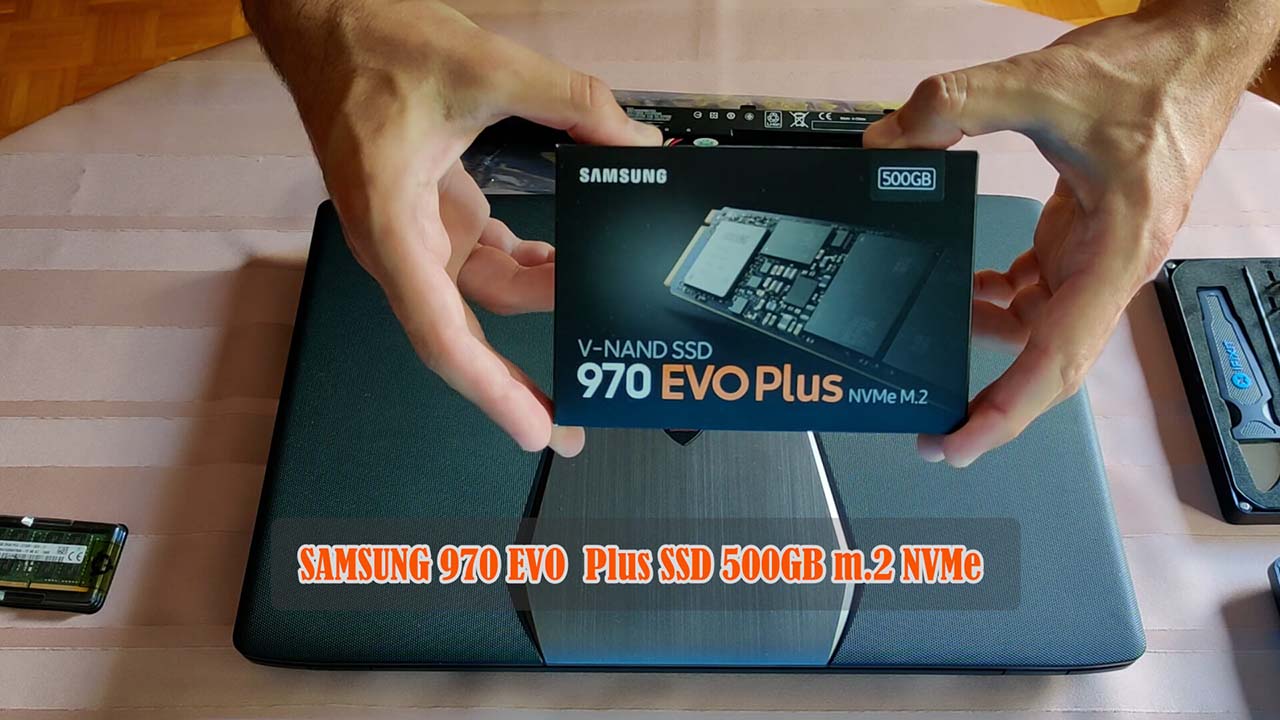
Installation of NVMe M.2 PCIe SSD

Are you working with the fastest flash drive of today – the M.2 SSD? Does the drive have enough capacity for your needs? Find out everything with my help.
Find out now

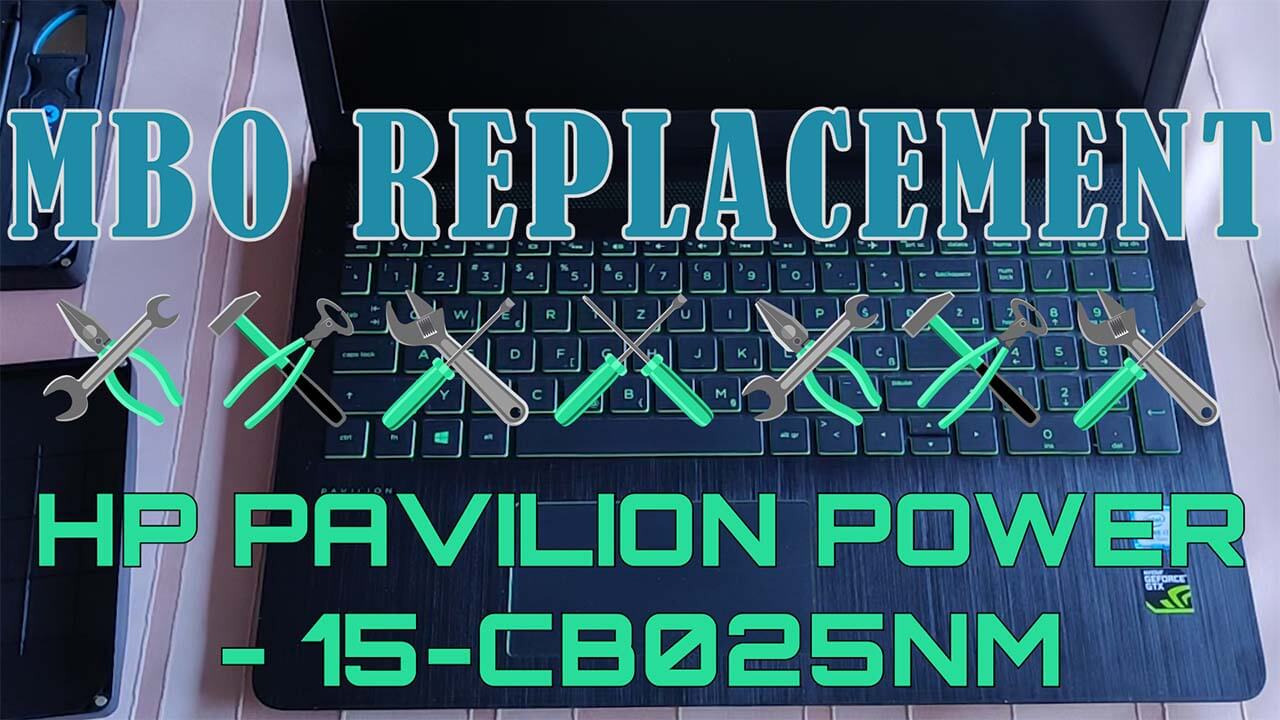
Motherboard replacement (MBO)

Sometimes the worst happens, and repairing a laptop requires a motherboard replacement. Even if the warranty has expired, this crucial component can still be obtained and installed.
install now

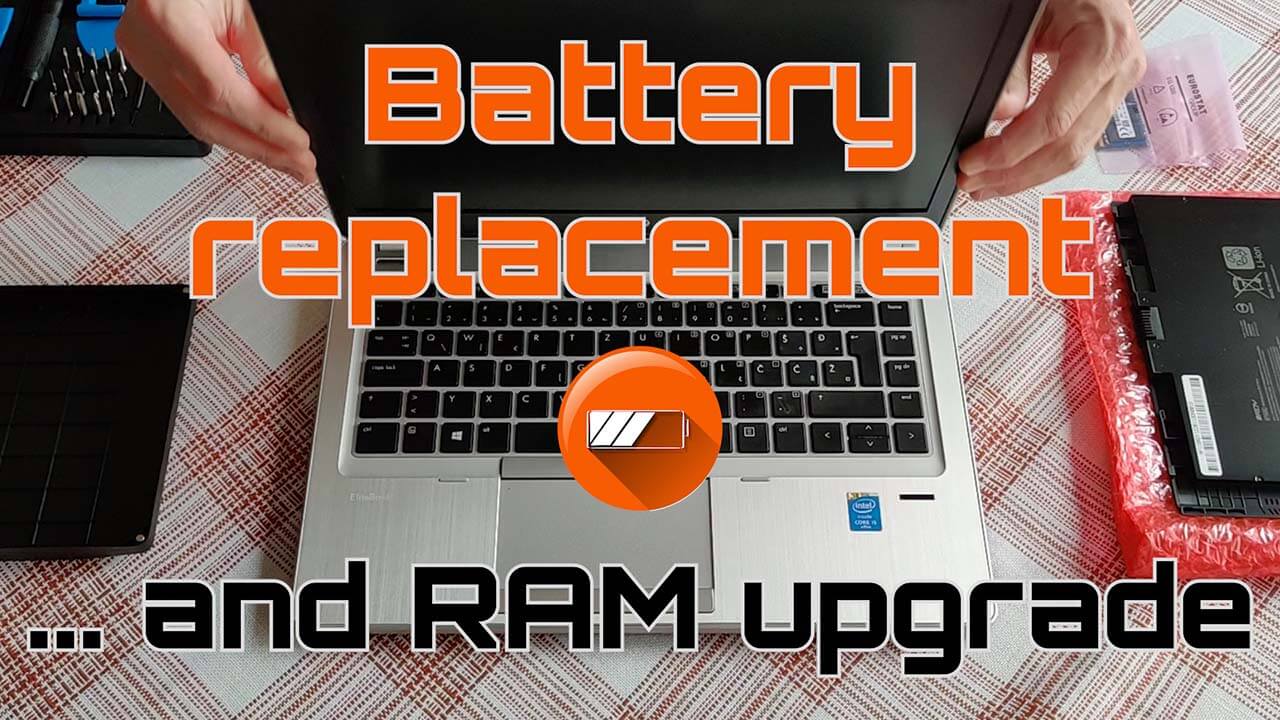
New battery replacement

A battery is a consumable part and will need replacement over time—whether you prefer an original (OEM) battery or a compatible replacement.
replace now

Replacing the keyboard

Did you buy your laptop abroad but prefer a local keyboard layout? Getting a keyboard in English is easy—and surprisingly affordable.
GET NOW

3 awesome rewards to start working with me

Precise fault diagnosis

Unfortunately, you have experienced a malfunction. Let the laptop or computer service include upgrades, not just repairs.

Fast and reliable purchasing of components

By customizing the components of your new computer, you will achieve maximum efficiency. Let us assess your needs so that you get top-notch hardware and software.

Option to schedule training after delivery

Do you need training on how to use new hardware, infrastructure, and software tools? Need to perform data transfer? Let's agree on terms and a schedule that suits us.

I will diagnose, recommend and provide what is necessary to service your laptop
Welcome, my name is Marko
Follow my digital channels as well
Servis laptopa Zagreb
Let's get in touch for laptop repair

Feel free to contact me. I work exclusively by phone appointment. In addition to describing the issue, please have the laptop's serial number ready.

Price list for laptop repair or upgrade

* please note that the stated prices do not include the cost of purchasing new components

I need OS
Operating system installation
50
00
one-time
  • Instalacija Windows 10/11 Home/Professional x64 HR/EN/DE
  • Instalacija paketa za produktivnost
  • Nužne aplikacije i licence
I need repair
Laptop service / upgrade
100
00
one-time
  • Instalacija Windows 10/11 Home/Professional x64 HR/EN/DE
  • Instalacija paketa za produktivnost
  • Ugradnja / zamjena 2x komponente
  • Nužne aplikacije i licence
  • Ispuhivanje prašine iz interijera kućišta
I need cleanup
Cleaning the heatsink
60
00
one-time
  • deinstalacija i čišćenje CPU / GPU ventilatora
  • uklanjanje rashadnog tijela i sasušene termalne paste, te apliciranje svježe
  • brisanje masnoće i prašine izopropilnim alkoholom
  • čišćenje šarki i zatezanje vijaka
I need a battery
Internal battery replacement
40
00
one-time
  • Uklanjajne stare baterije
  • Nabava i ugradnja nove interne baterije
  • Ispuhivanje prašine iz interijera kućišta
I need a new screen
Replacing a damaged LED/LCD panel
70
00
one-time
  • uklanjanje starog panela
  • Nabava i i ugradnja novog LED/LCD panela
  • Ispuhivanje prašine iz interijera kućišta
I need a case cover
Replacing a damaged hinge
80
00
one-time
  • odglavljivanje / uklanjanje šarke koja se isčupala iz poklopca
  • Nabava i zamjena poklopca kućišta laptopa
  • Ispuhivanje prašine iz interijera kućišta
What people from my hometown and elsewhere say about my work
5.0 (91) Reviews on Google maps
Rated 5 out of 5
Some practical advice

For most laptops, you should replace the thermal paste every 2–3 years. If you use the laptop intensively (gaming, video editing, etc.), notice higher temperatures, louder fans, or thermal throttling, it’s better to do it every 1–2 years.


Also replace the paste whenever you disassemble the cooling system (e.g., during cleaning or repairs).

Opening the laptop yourself will void the manufacturer’s warranty. Most laptops come with a 2-year warranty, while many gaming/graphics models offer 3 years or more.


The greatest risk is a short circuit and permanent damage to the motherboard, caused by touching components while power is still flowing through them.


Always unplug the charger first, remove the external battery (if present), or disconnect the internal battery connector from the motherboard. Or simply give me a call. 😉

In 2025, 16 GB of RAM is the realistic minimum and the sweet spot for most Windows laptop users. It allows smooth work with multiple tabs, background apps, streaming, and multitasking.


Tips:

  • Choose DDR5 if possible (faster and more efficient).
  • Many laptops have soldered RAM – so invest more at purchase. For future-proofing (4–5+ years of laptop usage), go with 32 GB.

In most cases, there is a possibility of saving a laptop that has been exposed to liquid if action is taken promptly. A quick response and preventing further electrical current from passing through the device are critical.


It is recommended to immediately disconnect the power supply, unplug the charger, and remove the battery if possible. The device should be turned upside down to allow the liquid to drain and left powered off to dry in a well-ventilated area for at least 24 to 48 hours. External parts should be dried without using sources of strong heat.


The device should only be powered on again once there is complete certainty that it is fully dry, in order to avoid permanent damage.


Most important actions to take immediately:
• disconnect the power supply
• remove the battery (if possible)
• disconnect all connected accessories
• turn the device so liquid can drain out
• keep the laptop powered off until it is completely dry (at least 24–48 hours)

In the case of a torn-out hinge, it is not enough to simply glue everything back together, because glue alone cannot provide a stable and durable joint.


A reliably long-term solution is to replace the damaged part of the casing or have the screw mounts professionally rebuilt.

Users who frequently install and uninstall various applications should perform a fresh Windows installation once a year, according to some estimates, to maintain optimal performance.


A fresh installation is also often the most effective method for removing viruses and other types of malware.

A new laptop in the “sweet spot” – not 1000 € or too cheap – for everyday business or school use (Word, Excel, web, video calls, no gaming GPU) costs 450-550 € in Croatia and the EU, depending on seasonal discounts.

In most cases (over 90%), it is sufficient to thoroughly clean the fan (compressed air + small brush) and replace the thermal paste – the noise is then significantly reduced or disappears completely.


If, after cleaning, the fan still rattles, grinds, vibrates, or sounds like something is loose inside – the bearings are worn out and the fan needs to be replaced.

What to watch out for when choosing laptop components?

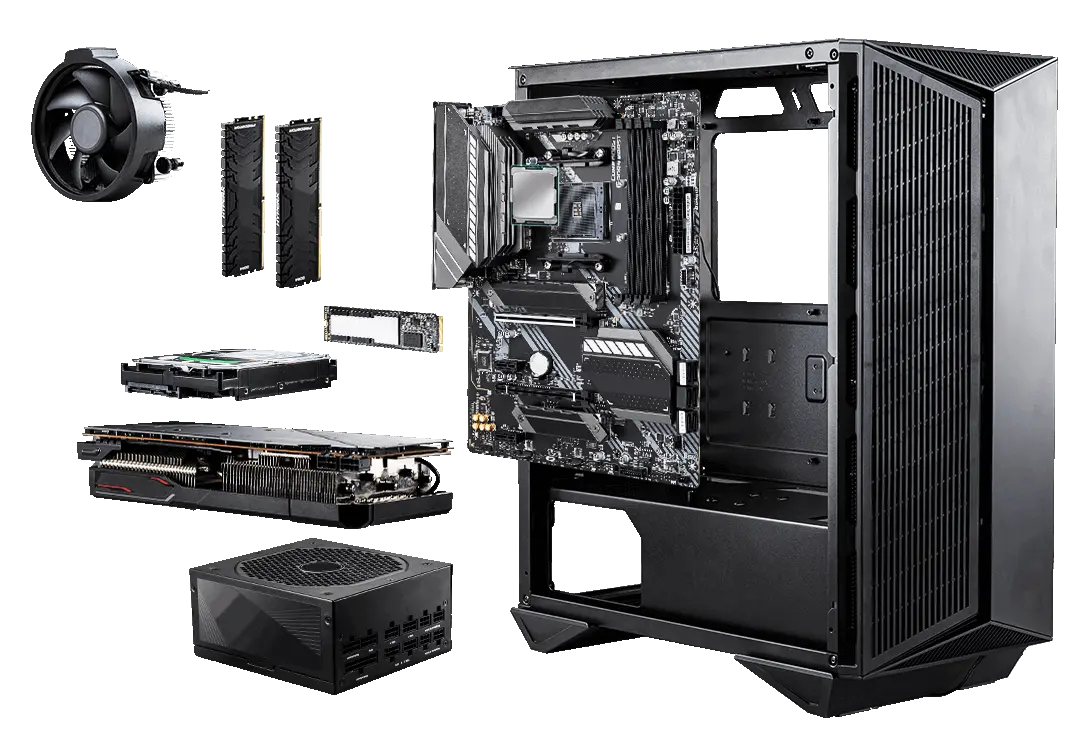
Radna memorija (RAM)

Preporučljivo nabaviti u kompletu od 1 ili 2 para (čim viši radni takt i čim niže latencije), kapaciteta od bar 16GB, a 32GB ili više za zahtijevniji rad.

Hladnjak za procesor

Hoćete li zadržati zračno hlađenje i tvornički hladnjak koji ste dobili s procesorom ili ćete nabaviti možda vodeno hlađenje ovisi o tome imate li namjeru overclockirati procesor.

Procesor (CPU)

AMD ili Intel, pitanje je sad! Zlatna sredina bi bio 8-jezgreni procesor. Srce računala trebalo bi biti moćno i dostatno rashlađeno.

SSD disk

Za instalaciju Windowsa ili Linuxa definitivno želite nabaviti ili nadograditi disk na NVMe m.2 PCI-E Gen4. Čim prije se skloniti s mehaničkog SATA diska! Čak je i SSD SATA3 mnogo učinkovitiji.

Mehanički SATA disk

5400 ili 7200 okretaja u minuti. Zastarjelo za koristiti kao primarni disk. Koristan za specifičnu namjenu kao npr. za arhivu, sigurnosne kopije ili snimke videonadzora / telefonskih poziva.

Grafička kartica (GPU)

Ako želite gledati multimedijalni sadržaj u 4k razlučivosti (čak na više od dva zaslona), uređivati fotografiju ili video, tada obavezno morate uložiti u AMD ili nVidia grafičku karticu. Grafika na matičnoj ploči dostatna je samo za uobičajen uredski rad.

Napajanje (PSU)

Seasonic i Corsair poznati su brandovi, no napajanje ipak treba biti dovoljno moćno da snabdjeva sve komponente (čak i one koje ćete tek ugraditi), te posjedovati bar srebrni/zlatni 80+ certifikat.
Servis laptopa Zagreb
Let's communicate
Sick leave and absence
Due to my sick leave (and ongoing physical therapy), the Laptop Service Zagreb will not be operating at least until the end of the year. Thank you for your understanding.

CLOSED

ZTP INFORMATIKA

I recommend my IT colleague Zvonimir. Check out all his excellent reviews on his Google Business Profile by clicking the top "G" icon, or call him directly.